Explainer
Sui Gas Fees Explained: What You Pay in SUI and Why
Gas is the small network fee you pay in SUI for every Sui transaction. Learn what it is made of, how it differs from marketplace fees, and how much SUI to keep for NFTs.

Key points
- Gas is the network fee for a transaction, paid in SUI.
- The fee is computation plus storage, minus any storage rebate.
- The marketplace's platform fee and royalty are separate from gas.
- Keep a small spare SUI balance so purchases and listings do not fail.
- Apps can sponsor gas, but only where they choose to.
Every Sui transaction costs a small network fee in SUI. It is separate from an NFT's price and from any marketplace fee. You meet it in your wallet's approval popup, usually as a line you did not choose. This guide is for anyone about to buy, list or mint an NFT. It explains what the fee is made of and how much SUI to keep, so you can read a fee line with confidence. The full beginner path is in Buy your first NFT.
What is gas on Sui?
Gas is the fee paid in SUI to have validators process your transaction. It covers the computing work and the storage of data on the network. Sui's documentation says a transaction must pay for "the computational cost of execution and the long-term cost of storing the objects" it creates or changes.
Some basics:
- A transaction is any action your wallet signs: buying, listing, transferring, minting, cancelling.
- Gas is paid in SUI. SUI is divided into MIST, and 1 SUI equals 1,000,000,000 MIST. Small fees are often shown in MIST.
- Gas goes to the network, not to the marketplace. The marketplace's own charges are a separate matter, covered below.
For more on the coin itself, read What is Sui?
What makes up a Sui transaction fee?
The net fee is the computation cost plus the storage cost, minus any storage rebate. Sui's documentation gives the formula as `net_gas_fees = computation_gas_fee + storage_gas_fee - storage_rebate`.
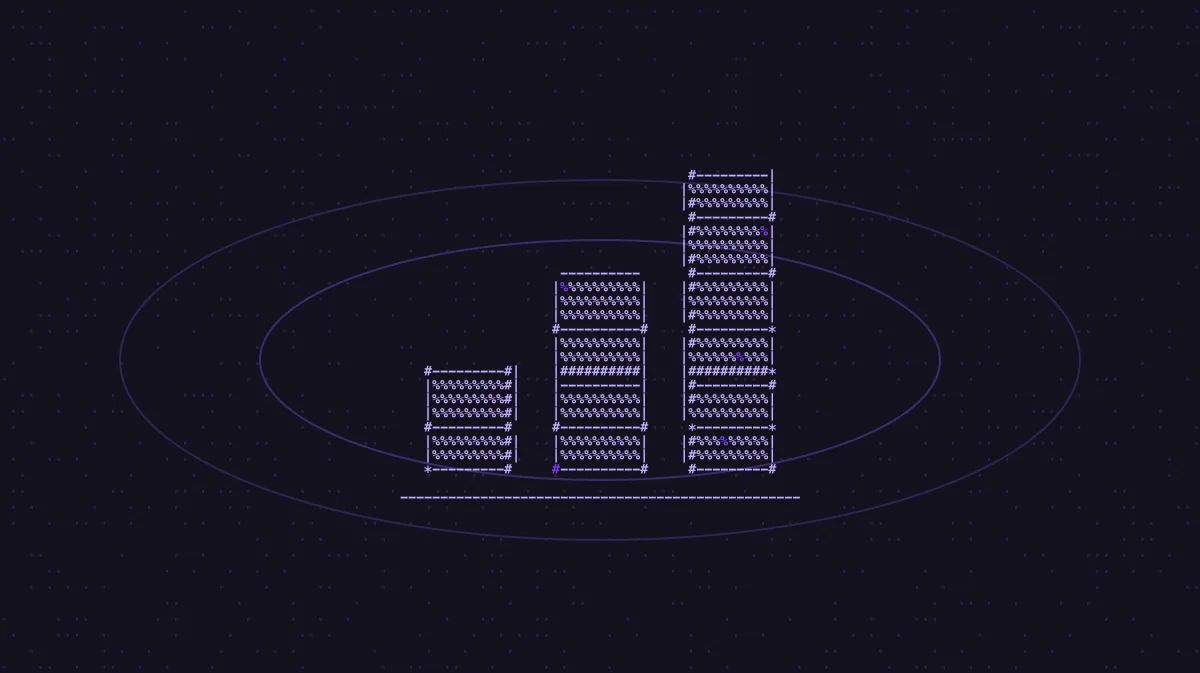
Computation cost and the reference gas price
Computation cost is the work a transaction needs, measured in computation units, multiplied by a gas price. Validators set a network-wide reference gas price at the start of each epoch, and the documentation describes it as a stake-weighted percentile of validators' reservation prices. Epochs are 24 hours, so this price can change from one day to the next. A user may add a tip above it. Wallets normally handle this for you, and you do not set it by hand.
Storage cost and the storage rebate
Storage cost pays for new data kept on the network. Per the documentation, the current schedule maps each byte to 100 storage units, and a storage price per unit is set by governance periodically. The documentation's own example: a 1 KB object costs 7.6 million MIST, which is 0.0076 SUI.
When stored objects are deleted, most of that storage fee comes back. The documentation says about 99.99% of the original storage fee is refunded to the account that pays gas, and 0.01% is never returned. When an object is changed, its old stored version is credited as a rebate and a new fee is charged for the new size. That is why some transactions cost very little: they delete or shrink stored data. For the idea of objects, see The Sui object model.
Gas budget versus gas actually used
The gas budget is a cap you agree to, not the bill. Sui requires every transaction to carry a budget, and the documentation says it caps the fees you pay. Wallets set a sensible budget for you.
If the budget is too low, the transaction fails. The documentation says "a portion of the gas budget is charged" in that case. If the budget cannot cover the computation fees, the entire budget is charged. The minimum gas budget is 2,000 MIST (0.000002 SUI).
A worked example: what a transaction fee looks like
A single fee is small and itemised. Here is the formula with numbers from Sui's own documentation:
- Storage for a 1 KB object: 7,600,000 MIST (0.0076 SUI).
- If that object is later deleted: about 99.99% of the storage fee is refunded, which is about 7,599,240 MIST.
- Computation cost: computation units times the reference gas price. The documentation gives the smallest computation bucket as 1,000 units. The price changes each epoch, so we do not print a figure.
So a transaction that creates one 1 KB object pays computation plus 0.0076 SUI of storage. Deleting it later returns nearly all of that storage part.
Try it yourself: open a recent transaction of yours in a Sui explorer and find the gas fields. You should see computation, storage, rebate and a net total. These numbers vary with network conditions.
Gas versus marketplace fees: what is on your NFT checkout?
Gas is paid to the network. The platform fee and the royalty are paid inside the trade. A purchase therefore has two separate kinds of cost.
- Price: goes to the seller.
- Platform fee: goes to the marketplace.
- Creator royalty: goes to the creator.
- Gas: goes to the network, and is paid from the wallet on top.
On Ganbitera, the buyer pays price plus platform fee plus royalty, and the seller receives the full listed price. The checkout panel shows the total as "Total (incl. fees)" with a breakdown of items, platform fees and creator royalties. It shows no gas line. Gas appears in your wallet's approval screen instead. The app's balance check adds a fixed gas allowance, and its shortfall message reads "Add X to continue. Balance Y, needed Z including gas."
That is why the quote and the wallet request can show different totals: the quote covers price, fee and royalty, and the wallet request includes gas.
Sellers pay gas too. On Ganbitera, cancelling a listing is an on-chain transaction that costs gas, and so is cancelling an offer. Sale proceeds also sit in the seller's kiosk until the seller claims them from the Profile page, and claiming costs gas as well. Other marketplaces may show these costs differently. For the full split, read Marketplace settlement on Sui and How to buy an NFT on Sui.
Why do Sui transactions fail on gas?
Most gas-related failures come from too little SUI in the wallet or a gas budget that is too low. Look for these causes:

- Not enough SUI. The wallet must cover the NFT total and the gas. Add SUI and try again.
- The budget was too low. This is normally handled by the wallet. Retrying from the wallet or app usually rebuilds the request.
- Something changed first. The item may have sold, or the listing may have expired. The transaction can fail even when gas is fine.
- You rejected the request. Nothing was sent.
A failed transaction can still cost a fee. Ganbitera's Wallet Terms say so, and Sui's documentation confirms that part of the budget can be charged. Check your wallet's activity list to see exactly what happened. If the NFT does not show on the site after a success, see On-chain truth, off-chain speed.
Can someone else pay your gas? Sponsored transactions
Sui supports sponsored transactions, where a third party pays the gas for your transaction. The documentation says this reduces onboarding friction because users need not own SUI or understand gas. The user is the sender and the sponsor is the gas owner, and both sign the transaction.

Sponsorship only happens where an app offers it. It helps new users start without SUI, and it pairs well with sign-in options such as zkLogin. See Web3 onboarding on Sui.
Does Ganbitera do this? No. Its Wallet Terms say you pay network fees in SUI from your wallet and that Ganbitera does not sponsor gas. One exception is not a fee you pay: collecting a delayed-reveal artwork is a signature, not a transaction, so it costs no gas.
Practical tips to avoid gas surprises
Keep a small SUI buffer and read the request before you sign.
- Keep a spare amount beyond the NFT price. We give no fixed number, because the right amount depends on the action.
- Do not drain the wallet to zero. You need SUI for the next listing, cancel or claim.
- Check the fee line in the wallet before you approve.
- Retry only after reading the failure reason.
- Send a small test first when you move SUI between wallets. On mainnet, SUI is real money, so double-check addresses.
For a funded wallet from the start, follow the Sui wallet setup guide.
On Ganbitera today. Ganbitera is in open beta on Sui testnet. Gas there is paid in test SUI, which has no value. Get it from the Sui faucet, then try a purchase on the marketplace and watch how the checkout total and the wallet's fee line differ.
Conclusion
Gas on Sui is a small, itemised network fee in SUI, and it is separate from marketplace fees. It is computation plus storage, minus any rebate, and the budget only caps it. Keep a buffer, read your fee line, and treat the checkout total and the gas as two numbers. Next, set up your wallet with the Sui wallet setup guide.
FAQs
How much SUI do I need to buy an NFT?
You need the price, plus marketplace costs such as a platform fee and royalty, plus a gas buffer. There is no flat number. Check the checkout total, then keep extra for gas.
What is a MIST?
MIST is the smallest unit of SUI. One SUI equals 1,000,000,000 MIST. Small fees are often easier to read in MIST.
Do I pay gas if a transaction fails?
Possibly. Sui's documentation says part of the gas budget is charged if the budget is too low, and Ganbitera's Wallet Terms say a failed transaction can still cost a fee.
Is Sui gas the same as the marketplace fee?
No. Gas goes to the network. A marketplace's platform fee and a creator's royalty are separate charges paid within the trade.
Does gas change over time?
Yes. The reference gas price is set at the start of each epoch, and epochs last 24 hours. The storage price is set by governance from time to time.
References
- Sui Documentation, "Gas in Sui", https://docs.sui.io/concepts/tokenomics/gas-in-sui
- Sui Documentation, "Storage", https://docs.sui.io/concepts/sui-architecture/sui-storage
- Sui Documentation, "Sponsored transactions", https://docs.sui.io/concepts/transactions/sponsored-transactions
- Sui Documentation, "Tokenomics", https://docs.sui.io/concepts/tokenomics
- Sui Documentation, "Get coins" (Testnet faucet), https://docs.sui.io/guides/developer/getting-started/get-coins